Raft 101 Survival Controls — PC, Mobile & Xbox
Bindings and input tips so gathering and combat feel natural on every device.
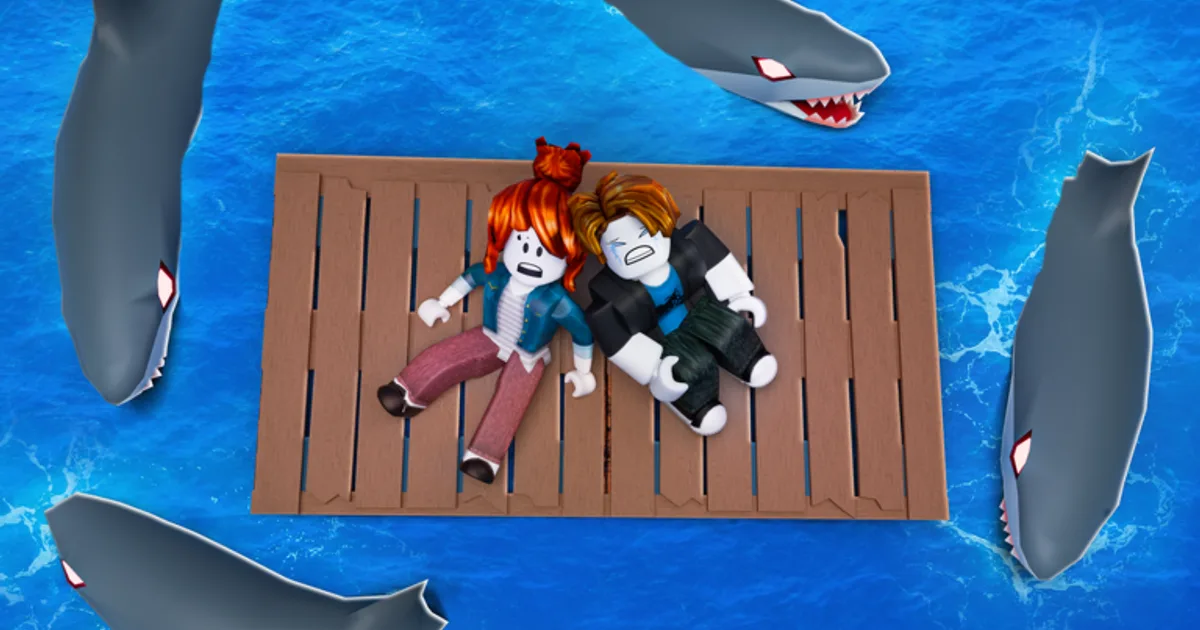
Bad inputs kill more rafters than octopuses. Raft 101 Survival on Roblox uses standard Roblox movement plus interaction prompts for dragging wood, crafting, and climbing the Lookout Mast. This controls guide lists PC keyboard/mouse, mobile touch, and Xbox controller layouts — with device-specific tips for Getting Started fireplace wood, fishing, and combat re-boards.
Bindings may shift after updates; verify in Settings → Controls when The Experimental Games patches UI.
PC controls (keyboard & mouse)
| Action | Default binding |
|---|---|
| Move | W A S D |
| Jump | Space |
| Camera | Mouse |
| Interact / drag loot | E or Left Click (context) |
| Inventory / craft menu | Tab or on-screen button |
| Sprint | Shift (if enabled) |
| Emote wheel | . or B |
PC tips:
- Click the fireplace wood pile precisely — mis-clicks drop drifts
- Lower mouse sensitivity for mast climbing and octopus dodges
- Fullscreen reduces mis-clicks near screen edges during storms
- Rebind interact if E conflicts with Roblox chat focus
Mobile controls (iOS & Android)
| Action | Input |
|---|---|
| Move | Virtual joystick (left) |
| Camera | Swipe (right side) |
| Jump | Jump button |
| Interact | Tap prompt when near object |
| Craft / menus | UI icons (top or side) |
Mobile tips:
- Use a large interact tap zone — fat-finger drifts cost Day 1 progress
- Disable chat overlay during fireplace 100% grind
- Graphics to medium on older phones — frame drops break hook timing
- Play landscape; portrait hides craft buttons on some devices
Mobile is viable for coin farming drifts; serious 101-day runs benefit from co-op friends on PC for calling threats.
Xbox / console controls
| Action | Default (typical Roblox) |
|---|---|
| Move | Left stick |
| Camera | Right stick |
| Jump | A |
| Interact | X or Y (context) |
| Menus | View / Menu buttons |
Console tips:
- On-screen keyboard for any future codes — slow and error-prone; paste via mobile companion if possible
- Stick deadzone adjustments help fishing minigames
- Cross-play with PC/mobile friends — same account, same class unlocks
Core interaction loop
Regardless of platform, the survival loop uses the same prompts:
- Face floating resource → interact to drag toward raft or fireplace
- Open craft bench → select recipe → confirm
- Equip tool → use on water, fish, or enemy
- Build mode → place tile or mast segment when unlocked
Practice dragging three wood pieces in a row without falling off — that skill carries to Day 50.
Combat and recovery inputs
During ocean threats:
- Jump toward raft center when grabbed
- Interact with repair kits on hotbar quickly — PC players map number keys
- Mast climb uses same jump + forward as Roblox ladder logic
After knockback into water, swim toward the gather lane side where hooks reach — see Raft Building dock design.
Camera and communication
Third-person camera gets tight on small starter rafts. Zoom out when building; zoom in for fishing. Emotes coordinate co-op without voice — wave for help, point for danger.
Accessibility notes
Roblox account settings include shift lock and optional keyboard-only modes on PC. Colorblind players should rely on UI icons over subtle water tints for shark warnings.
Troubleshooting input issues
| Issue | Fix |
|---|---|
| Interact not showing | Move closer; rotate camera |
| Stuck in craft menu | Esc / back button |
| Drift not attaching | Re-equip hook tool |
| Controller not detected | Reconnect; check Roblox input settings |
Related guides
- Getting Started — first-hour loop using these controls
- Co-op Tips — role calls without voice
- Islands — dock return under pressure
Master inputs once and the ocean becomes a resource conveyor, not a frustration simulator.
Advanced PC techniques
Shift-lock (toggle in Roblox settings) keeps your character facing drifts while strafing along raft edges — invaluable during tight fireplace grinds. Some players remap interact to mouse side buttons for faster hook chains. Lower graphics quality if frame drops cause missed E prompts during storms; input lag feels like bad ping but is local.
Mobile gesture habits
Two-thumb players should anchor movement on the left and reserve right-thumb taps for interact only when the prompt glows. Accidental jumps off raft corners happen when thumbs drift during camera swipes. Increase UI scale in Roblox settings if craft buttons sit too close to chat.
Practice drill (five minutes)
Repeat this warm-up before serious sessions: drag three wood pieces, open craft menu twice, jump onto and off the Lookout Mast, re-board from water after a intentional hop. Muscle memory from this drill saves more days than any single class purchase.
Frequently Asked Questions
Quick answers to the most common questions.
What key drags wood to the fireplace on PC?
Typically E or left-click interact when facing floating wood. Confirm in live settings if patches rebind defaults.
Can I play Raft 101 Survival on mobile?
Yes. Touch controls support the full loop, though combat and building are easier with practice or co-op help.
Does Xbox support cross-play?
Roblox cross-play is generally enabled. Party with friends on PC or mobile using the same Roblox account progress.
How do I climb the Lookout Mast?
Jump toward the mast ladder or climb prompt. Same Roblox climbing inputs as other experiences.
Why is interact not working?
You may be too far, facing wrong angle, or have chat focused on PC. Move closer and click the prompt again.